
Learn through projects
Hands-on, practical projects that build real CAD skills.
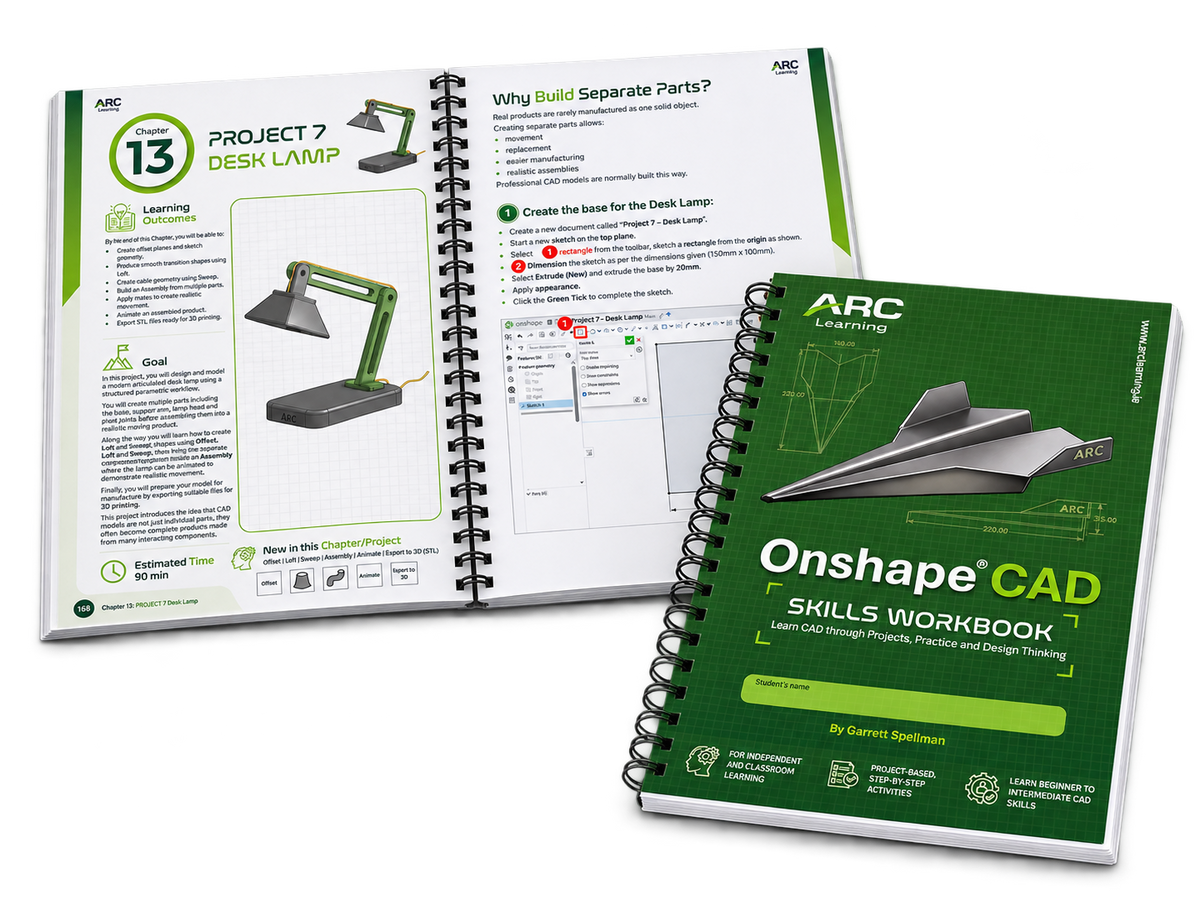
ONSHAPE® CAD SKILLS WORKBOOK
Learn Onshape® CAD through clear visual tutorials, progressive projects and practical design challenges. Designed as a guide for classroom teaching and independent learning.
280 full-colour pages · Teacher & Learner guide · Beginner to Intermediate Learners
Buying for a School - Request a quote
Hands-on, practical projects that build real CAD skills.
A clear pathway from beginner to intermediate.
Designed for classroom and independent learning.
Explore the visual guidance, practical projects and learning pathway inside the workbook.

Clear, illustrated steps help learners follow and revisit each stage.

See how CAD foundations connect to projects and independent design.

Practical support for classroom teaching and lesson planning.

Explore how a digital model can become a physical prototype.
Contact Arc Learning for a quotation, quantity discounts and delivery information.

Build understanding of sketches, constraints, dimensions and 3D parts.

Apply new tools through guided models, assemblies and practical challenges.

Use your growing skills to explore, refine and communicate design solutions.
Garrett Spellman, a Technology teacher and former engineer, created the workbook from real classroom experience. Its aim is to give students clear, structured support as they develop their CAD skills. Building the confidence, practical skills and understanding to create and develop their own designs.
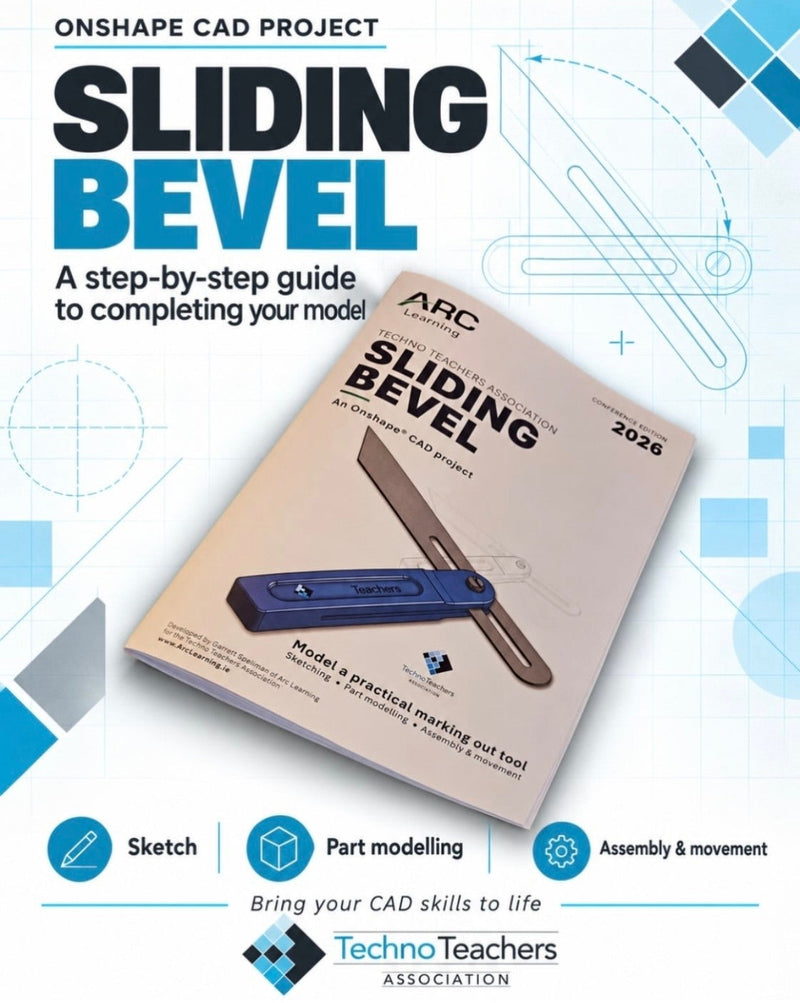
Try a guided CAD project, printable design worksheets, an idea-generation template or a practical electronics activity.
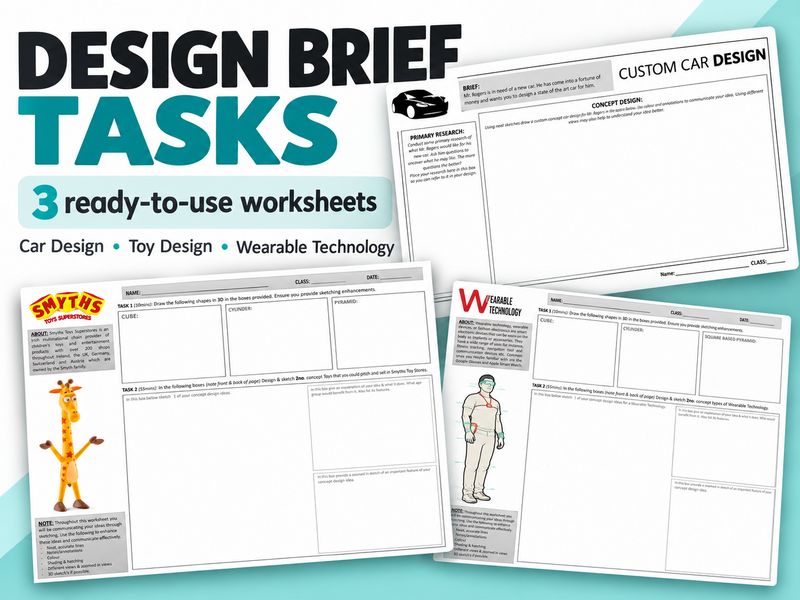
3 challenges · 5 printable PDF pages
View Resource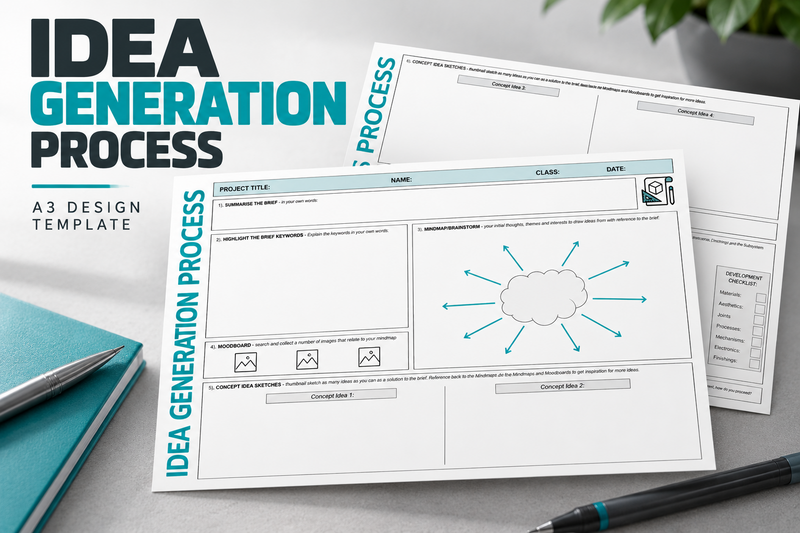
Double-sided A3 template · PDF
View Resource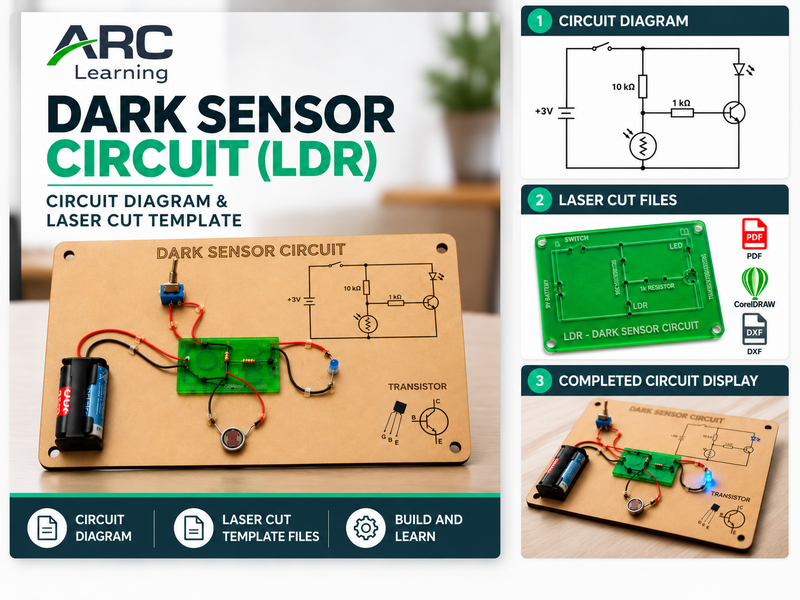
Circuit diagram and laser-cut template · PDF, CDR and DXF
View ResourceThe workbook supports beginner to intermediate CAD learners and their teachers. It helps learners develop their CAD skills in the classroom or independently. It is relevant to STEM, Technology, Graphics, Engineering, Woodwork, Design and practical education.
You will need a device (desktop computer, tablet or laptop) with internet access and access to Onshape at www.Onshape.com. A mouse is helpful for modelling. The workbook is a printed learning resource; computer hardware and software subscriptions are not included.
The workbook is a physical product. Available delivery options and charges are shown at checkout. For a delivery enquiry or a school order, contact orders@arclearning.ie before ordering.
For a school quotation, request a school quote with your school name, approximate quantity and delivery location. For orders of nine or more workbooks, please use the form or email orders@arclearning.ie.
Discover the Onshape CAD Skills Workbook, or explore sample pages before you decide.


